VecVoice/VecVox
(In the following section only examples for vecvox are discussed, substituting "vecvox" with "vecvoice" is allowed, since the code and examples are nearly identical.)
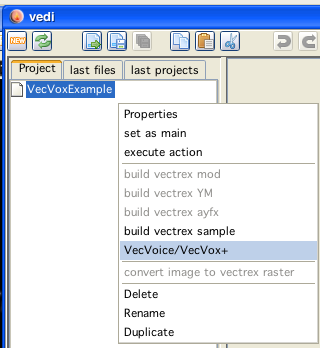
VecVoice/VecVox editing and building code is generated in vedi, using the popup on the project file tree. By chosing the entry "VecVoice/VecVox+" the appropriate dialog is displayed (see also the vedi→VecVoice/VecVox+ documentation).
VecVoice/VecVox
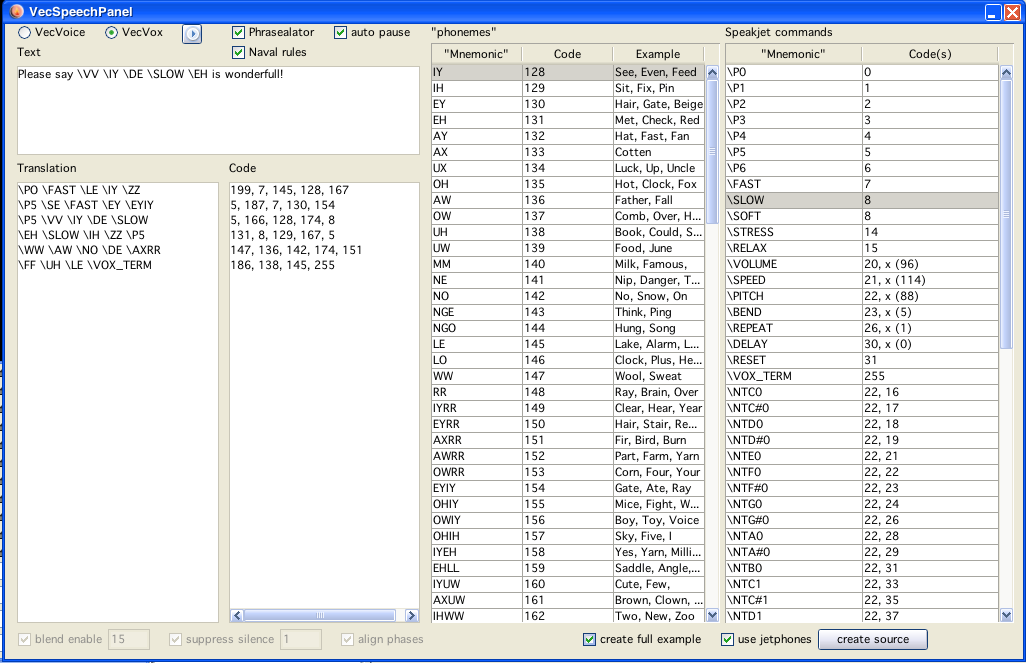
speech dialog
Exiting the above dialog with "create source" will (...hm...) create sources in the current project directory.
For the generated files the names are always the same, to use them in your own programs you have to change them to your likings. The speech dialog must be closed manually after generating the code.
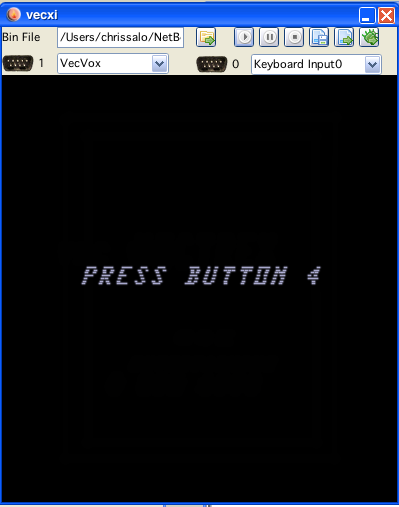
The generated sources are accompanied by an example player program.
Following sources are generated (provided the checkbox "create full example" was selected):
vecvox.i
the subroutines which do the actual playing of speech
ser_ji.i
low level subroutines used by the speech routines, they handle the serial communication for devices placed in joyport 1
jetphones.inc
an "include" file done by B. Watson, which defines constants for better readability of vecvox commands
VECTREX.I
which is needed by the player
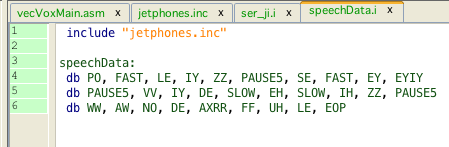
speechData.i
a file with the actual speech data
vecVoxMain.asm
a "main" file, with an example vectrex runnable "cartridge" file
A vectrex playable binary file can be generated by setting the generate vecVoxMain.asm file as the main file in the project.
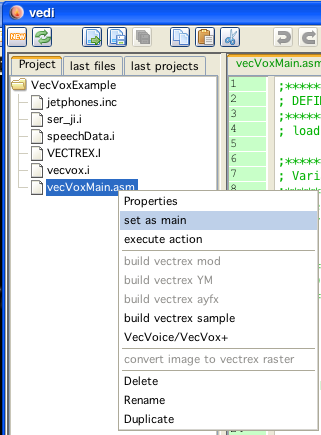
set example player as main
The format and the actual play routines are documented in the source code - and in the above mentioned other documentation.
Just a few bullet points...
the communication and player routines were written by Alex Herbert, I changed and commented them slightly
the user needs only to access two subroutines:
vox_init once at the start of the program to initialize serial communciation of joyport 1
vox_speak to actually output data to the vecvox
the output of data to vecvox is initialized by storing the address of the speech data to the RAM variable: vox_addr
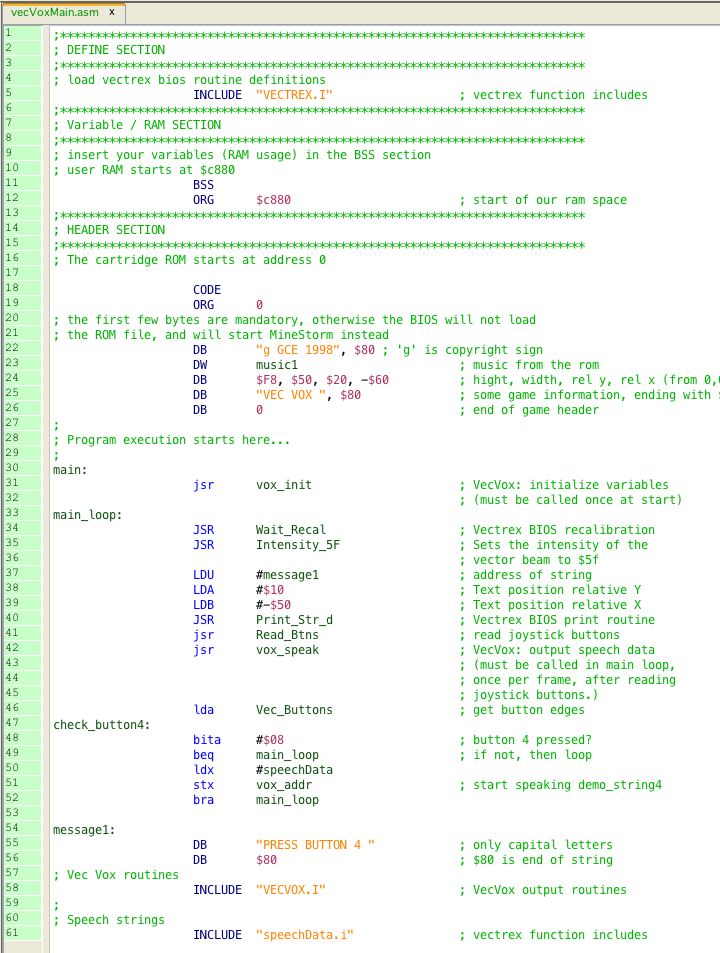
example main
example data
vecvox example